Why GAMMA IPTV Is a Great Choice for Live TV Streaming
Choosing the right IPTV service can make a big difference in your daily streaming experience. If you want a simple way to watch live TV, movies, series, sports, and entertainment on your favorite devices, GAMMA IPTV can be a strong choice for live TV streaming in 2026.
With GAMMA IPTV, users can enjoy a flexible streaming setup on Smart TV, Firestick, Android TV, Google TV, smartphones, tablets, and other compatible devices. Instead of depending on traditional cable, GAMMA IPTV gives you a modern way to access your subscription through IPTV player apps.
If you are new to the service, you can start with the full setup guide here:/installation-guide
What Makes GAMMA IPTV Different?
GAMMA IPTV is designed for users who want a smooth, simple, and flexible streaming experience. The main advantage is that you can watch your content on different devices using compatible IPTV player apps.
You do not need complicated equipment. In most cases, you only need your device, a stable internet connection, an IPTV player app, and your GAMMA IPTV login details.
If you want to compare available plans, you can visit:/pricing
If you want to test the service first, you can request a trial here:/free-trial
GAMMA IPTV Works on Many Devices
One of the biggest reasons GAMMA IPTV is a great choice for live TV streaming is device compatibility. You can use it on many popular devices, including Samsung Smart TV, LG Smart TV, Android TV, Google TV, Firestick, Fire TV, Android boxes, smartphones, tablets, and computers.
For Smart TV users, the setup is simple. You install an IPTV player app, add your GAMMA IPTV login details, and start watching.
If you want the Smart TV setup guide, read this:/install-gamma-iptv-smart-tv-2026
For Firestick users, GAMMA IPTV is also easy to install with a compatible player app. You can follow the full Firestick guide here:/install-gamma-iptv-firestick-2026
Easy Live TV Streaming Experience
GAMMA IPTV is a good option for users who want quick access to live TV categories. With the right IPTV player, you can organize channels, browse categories, save favorites, and switch between live content more easily.
A clean IPTV setup can help you watch sports, news, entertainment, movies, series, documentaries, and family content from one interface.
The final experience depends on your device, internet speed, IPTV player app, and active subscription. For the best result, always use a stable connection and keep your IPTV app updated.
For help with setup or account problems, contact support here:/contact
Best IPTV Player Apps for GAMMA IPTV
To use GAMMA IPTV, you need an IPTV player app. The app does not provide channels by itself. It is only the player that opens your GAMMA IPTV subscription.
Some popular IPTV player apps include:
Smart IPTV
Website: https://siptv.app/
Playlist upload: https://siptv.app/mylist/
SET IPTV
Website: https://setsysteme.com/
Playlist upload: https://setsysteme.com/set.app
IBO Player
Website: https://iboplayer.com/
Flix IPTV
Playlist upload: https://flixapp.net/mylist
IPTV Smarters / Smarters Player
Google Play: https://play.google.com/store/apps/details?id=com.smarters.smarterspro
Apps like SETIPTV and IBO Player are media players that require your own playlist or IPTV provider details; they do not provide IPTV content directly.
Smooth Streaming on Smart TV
GAMMA IPTV is a good choice for Smart TV users because many modern TVs support IPTV player apps. Samsung Smart TV, LG Smart TV, Android TV, and Google TV users can install compatible apps and load their subscription details.
For Samsung and LG TVs, apps like Smart IPTV, SET IPTV, IBO Player, and Flix IPTV may be used depending on availability in your region.
For Android TV and Google TV, users can usually install more IPTV player options from Google Play.
For the full Smart TV installation guide, visit:/install-gamma-iptv-smart-tv-2026
For more Smart TV IPTV information, visit:/best-iptv-for-smart-tv
Great Option for Firestick Users
GAMMA IPTV also works well with Firestick and Fire TV devices. Firestick is popular because it is small, affordable, and easy to connect to any TV with an HDMI port.
You can install an IPTV player from the Amazon Appstore if available, or use a trusted method to install a compatible app. Amazon provides official help for downloading apps on Fire TV here:https://www.amazon.com/gp/help/customer/display.html?nodeId=GRDR6KJPL2FT6YHS
You can also browse Fire TV apps here:https://www.amazon.com/Fire-TV-Apps-All-Models/b?ie=UTF8&node=10208590011
If you want the complete GAMMA IPTV Firestick guide, read this:/install-gamma-iptv-firestick-2026
Flexible Plans for Different Users
Another reason GAMMA IPTV can be a great live TV streaming choice is flexibility. Different users have different needs. Some people want IPTV for one device, while others want to use it on multiple devices in the home.
Before choosing a plan, think about how many devices you want to use, what type of content you watch most, and whether you need HD, Full HD, or 4K streaming support.
You can check GAMMA IPTV pricing here:/pricing
If you are not ready to subscribe yet, you can request a free trial here:/free-trial
Simple Setup for Beginners
You do not need to be a technical expert to use GAMMA IPTV. The basic setup is simple:
Install a compatible IPTV player app.
Open the app.
Choose Xtream Codes API or M3U playlist login.
Enter your GAMMA IPTV username, password, and server URL.
Wait for the channels and categories to load.
Start watching.
If you need a step-by-step setup page, visit:/installation-guide
If you have login problems, contact support here:/contact
Better Control Over Your Streaming
With GAMMA IPTV and a good IPTV player, you can enjoy better control over your streaming experience. Many IPTV players allow users to organize favorite channels, refresh playlists, adjust player settings, use parental control features, and manage categories.
Some apps also support EPG, which means TV guide, depending on your subscription and player app.
This makes GAMMA IPTV useful for users who want a more organized live TV experience instead of searching through many different apps.
Recommended Internet Speed for GAMMA IPTV
For smooth live TV streaming, your internet connection is very important.
For basic streaming, 10 Mbps can work for SD quality. For HD streaming, 20 Mbps or more is recommended. For Full HD and 4K streaming, 30 Mbps to 50 Mbps or more gives better results.
For the best experience, use Ethernet when possible. If you use Wi-Fi, connect to a 5GHz network and keep your router close to your device.
If you experience buffering, restart your router, close unused apps, clear app cache, and test your internet speed.
For support, visit:/contact
Why GAMMA IPTV Is Good for Sports Streaming
Many users choose IPTV because they want a better way to watch sports. GAMMA IPTV can be a good option for sports fans because a proper IPTV setup can organize sports categories inside one player app.
With the right player, users can quickly access live sports sections, save favorite sports channels, and switch between categories easily.
For the best sports streaming experience, use a strong internet connection and a reliable device like Smart TV, Firestick, Android TV, or Google TV.
To choose a plan that fits your needs, visit:/pricing
Why GAMMA IPTV Is Good for Movies and Series
GAMMA IPTV can also be useful for users who enjoy movies and series. Depending on your subscription and IPTV player, you may see sections like Movies, Series, Recently Added, Favorites, and Categories.
This helps users find entertainment content more easily from one place.
For the best experience, use an IPTV player with a clean interface and update your playlist regularly.
If you need help choosing an app, visit:/installation-guide
Common GAMMA IPTV Problems and Easy Fixes
Even with a good IPTV setup, some users may face common issues. The good news is that most problems are easy to fix.
If GAMMA IPTV is buffering, restart your router, clear the app cache, and use a stronger Wi-Fi signal or Ethernet connection.
If your login is not working, check your username, password, and server URL. Make sure there are no extra spaces.
If channels are not loading, restart the IPTV app and refresh the playlist.
If the app is not working well, try another compatible IPTV player.
For help, contact GAMMA IPTV support here:/contact
GAMMA IPTV vs Traditional Cable TV
Traditional cable TV can be expensive and limited by location, equipment, and fixed packages. GAMMA IPTV gives users a more flexible streaming experience because it works through the internet and can be used on different compatible devices.
With GAMMA IPTV, users can enjoy live TV streaming without depending on traditional cable boxes. You can use your Smart TV, Firestick, Android TV, or mobile device.
This flexibility is one of the main reasons many users prefer IPTV-style streaming in 2026.
To start your setup, visit:/installation-guide
Tips to Get the Best GAMMA IPTV Experience
To get the best experience with GAMMA IPTV, use a strong internet connection and a reliable IPTV player app.
Keep your device updated. Restart your Smart TV, Firestick, or Android TV regularly. Clear app cache when needed. Use Ethernet when possible. If you use Wi-Fi, choose 5GHz for better speed.
Also make sure your GAMMA IPTV subscription is active and your login details are correct.
If you want to test performance before subscribing, request a free trial here:/free-trial
Is GAMMA IPTV Easy to Use?
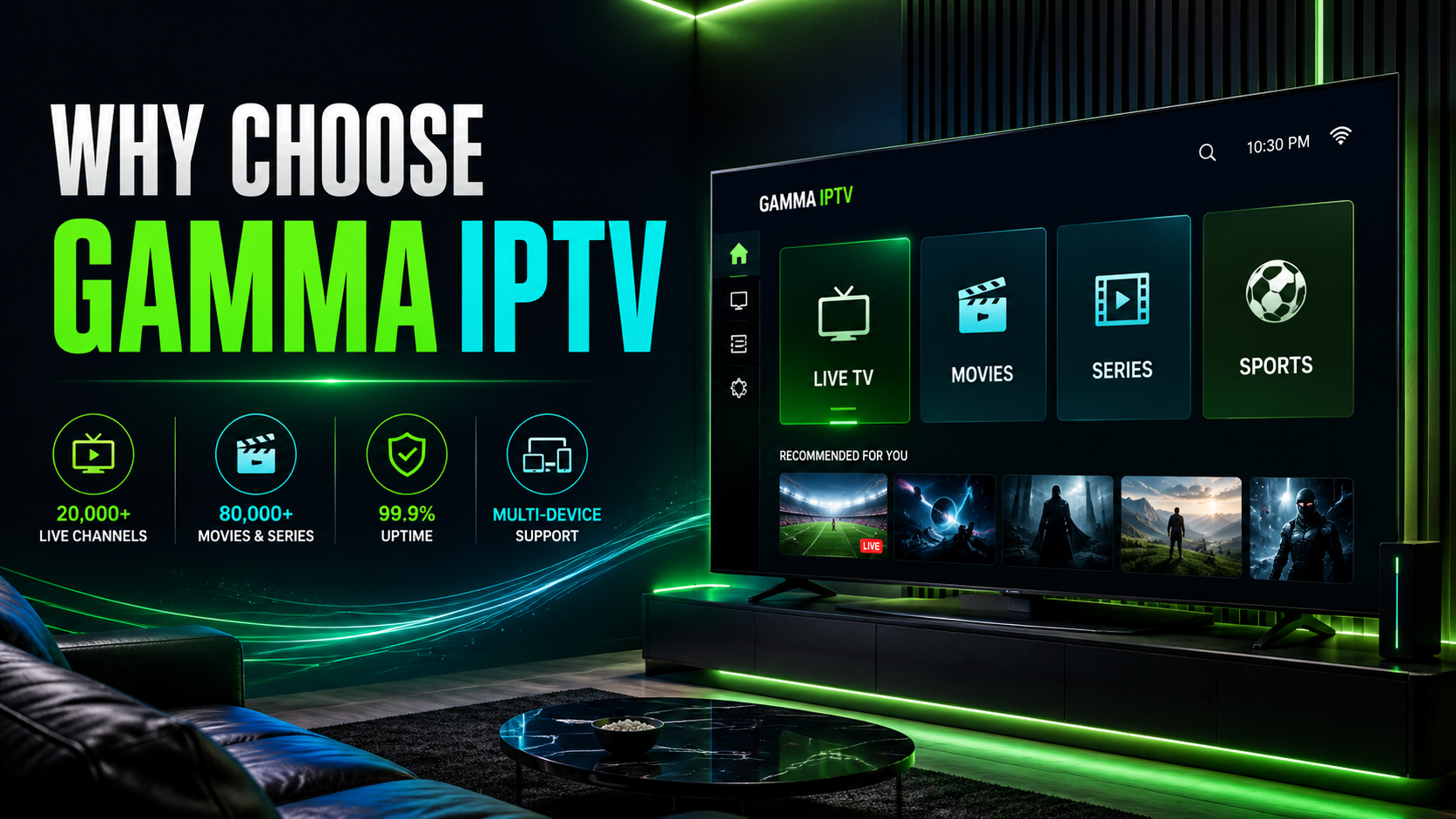
Yes, GAMMA IPTV is easy to use once the setup is complete. After you install the IPTV player and add your login details, most apps show simple sections like Live TV, Movies, Series, Sports, Favorites, and TV Guide.
This makes it simple for beginners to browse content and start streaming without complicated steps.
If you need help during installation, visit:/contact
Important Legal Note About IPTV
IPTV technology itself is legal. However, users should always choose services and apps that provide authorized content and respect copyright rules.
IPTV player apps are only media players. They do not automatically include channels or content. For example, SETSYSTEME states that it does not provide IPTV content or subscriptions, and IBO Player describes itself as a media player for M3U and M3U8 playlists.
Always use GAMMA IPTV responsibly and make sure your subscription follows the rules in your country.
FAQ About GAMMA IPTV Live TV Streaming
Is GAMMA IPTV good for live TV streaming?
Yes, GAMMA IPTV can be a good choice for live TV streaming because it works on many devices and can be used with different IPTV player apps.
Does GAMMA IPTV work on Smart TV?
Yes, GAMMA IPTV can work on Samsung Smart TV, LG Smart TV, Android TV, and Google TV using compatible IPTV player apps.
Smart TV setup guide:/install-gamma-iptv-smart-tv-2026
Does GAMMA IPTV work on Firestick?
Yes, GAMMA IPTV can work on Firestick and Fire TV using a compatible IPTV player app.
Firestick setup guide:/install-gamma-iptv-firestick-2026
What app do I need for GAMMA IPTV?
You can use apps like Smart IPTV, SET IPTV, IBO Player, Flix IPTV, IPTV Smarters, TiviMate, or another compatible IPTV player.
Do IPTV player apps include channels?
No. IPTV player apps usually do not include channels by themselves. You need your own IPTV subscription details from your provider.
Can I watch GAMMA IPTV in HD or 4K?
Yes, if your plan, device, IPTV player, and internet speed support HD or 4K streaming.
Why is GAMMA IPTV buffering?
Buffering can happen because of weak internet, overloaded Wi-Fi, low device storage, or app settings. Use Ethernet, clear cache, restart your router, and keep your app updated.
Can I try GAMMA IPTV before buying?
Yes, you can request a free trial here:/free-trial
Conclusion
GAMMA IPTV is a great choice for live TV streaming because it is flexible, simple to set up, and works on many popular devices. Whether you use Smart TV, Firestick, Android TV, Google TV, smartphone, tablet, or computer, GAMMA IPTV can give you a modern streaming experience through compatible IPTV player apps.
For the best results, use a stable internet connection, choose a reliable IPTV player, keep your device updated, and make sure your login details are correct.